Free Developer Tool
CSV To HTML Table Converter
Upload or paste CSV data and convert it into a clean, ready to use HTML table instantly in your browser. Choose from multiple table themes, add captions, and copy the markup straight into your project. No uploads to any server, completely private.
📋
Drop a CSV file here or click to browse
Or paste CSV data directly into the editor below
Detected: ","
Classic grid with borders on every cell
Loading the parsing engine...Loading
How to use the CSV to HTML Table Converter
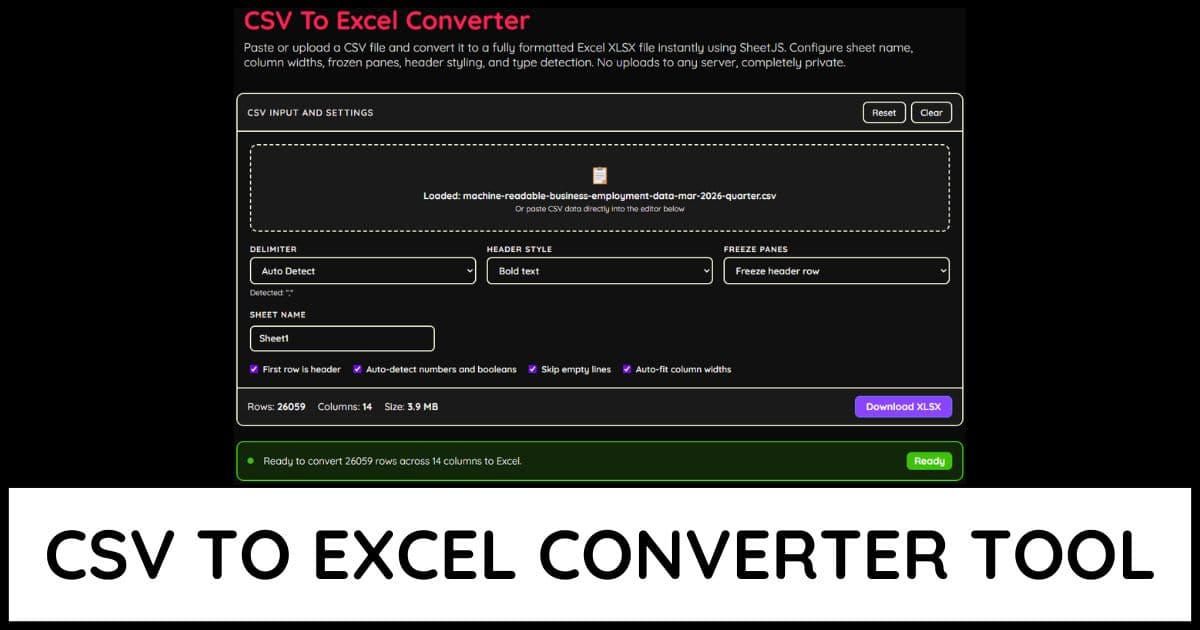
Drag and drop a CSV file onto the upload area, click it to browse, or paste CSV data directly into the input editor
Choose your delimiter or leave it on Auto Detect for the parser to identify commas, semicolons, tabs, or pipes automatically
Pick a table theme such as Bordered, Striped Rows, Minimal, or Compact to control how the generated markup looks
Set a custom Table ID so the generated CSS selectors and element id match the rest of your page
Add an optional caption to label the table for accessibility and context above the data
Toggle First Row Is Header off if your CSV data does not include column names in the first line
Turn off Include Inline Style Block if you already have your own CSS and only want the raw table markup
Use the Live Preview tab to see exactly how the table will render before copying or downloading it
Check the Parse Issues tab for any warnings about inconsistent row lengths or quoting problems in your CSV data
All parsing and table generation happens locally in your browser. Your CSV data is never uploaded to any server