Free Developer Tool
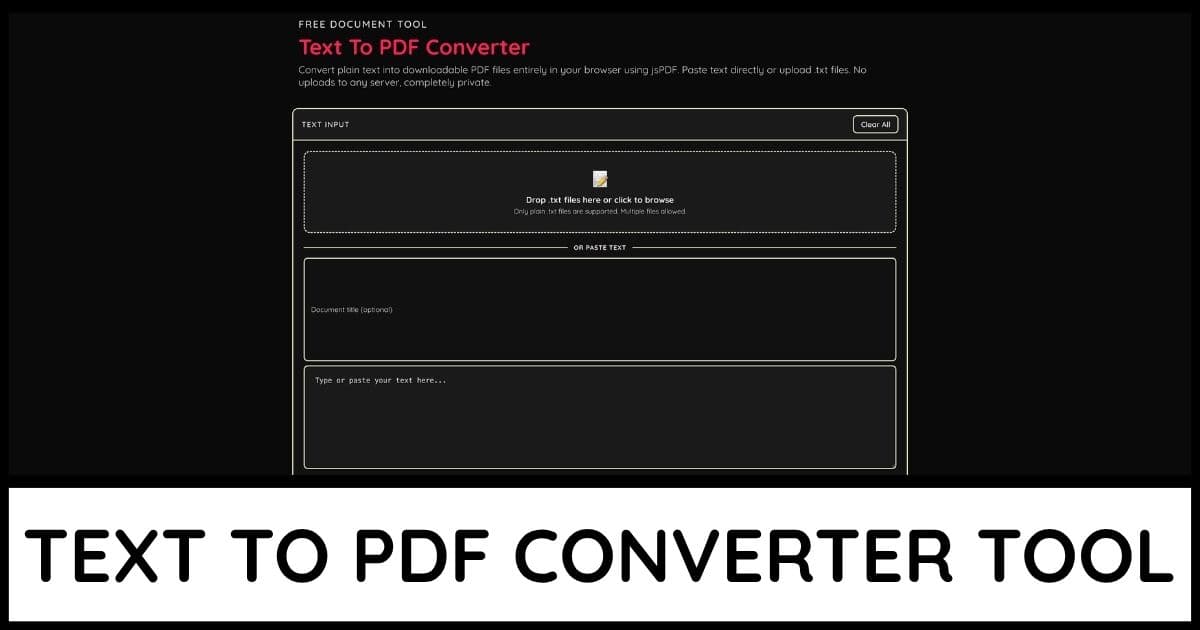
CSV To JSON Converter
Upload or paste CSV data and convert it into clean, formatted JSON instantly using PapaParse. Customize delimiters, output structure, and type detection. No uploads to any server, completely private.
📊
Drop a CSV file here or click to browse
Or paste CSV data directly into the editor below
Detected: ","
Standard JSON array, one object per row
Converted 4 rows across 4 columns into JSON.Live
4Rows
4Columns
142 BCSV Size
386 BJSON Size
0Parse Issues
How to use the CSV to JSON Converter
Drag and drop a CSV file onto the upload area, click it to browse, or paste CSV data directly into the input editor
Choose your delimiter or leave it on Auto Detect for PapaParse to identify commas, semicolons, tabs, or pipes automatically
Select an output format: Array of Objects for the most common JSON structure, Indexed Object to key rows by number, or Column Arrays to group values by field
Toggle First Row Is Header off if your CSV data does not include column names in the first line
Enable Convert Numbers and Booleans to automatically parse numeric and true/false values instead of keeping everything as text
Use the Table Preview tab to visually verify your data parsed correctly before copying or downloading the JSON
Check the Parse Issues tab for any warnings about inconsistent row lengths or quoting problems in your CSV data
Click Copy JSON to copy the output to your clipboard, or Download JSON to save it as a standalone file
Toggle Pretty Print JSON off if you need a minified single-line JSON string instead of indented formatting
All parsing happens locally using PapaParse. Your CSV data is never uploaded to any server